Storages & Retention
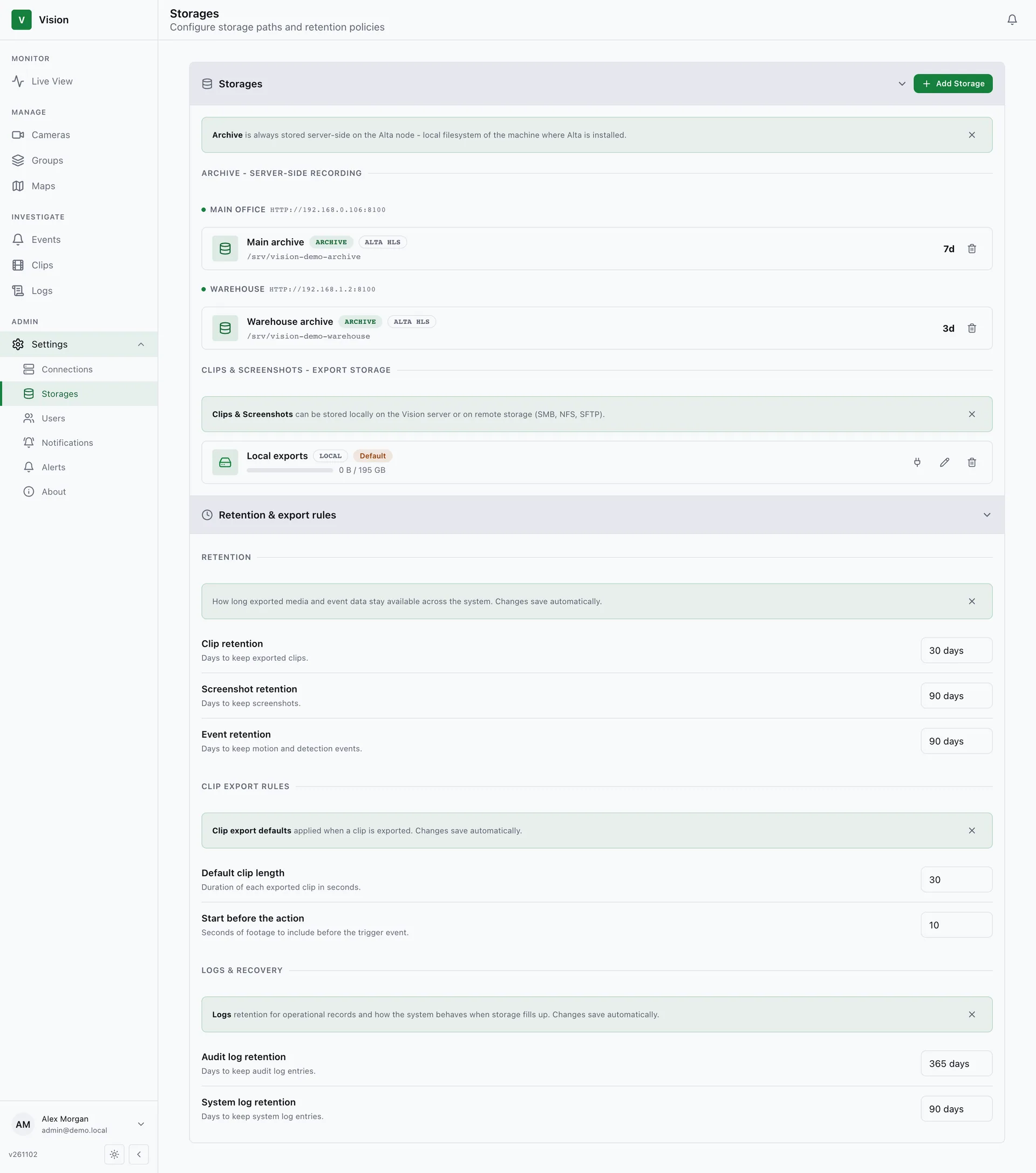
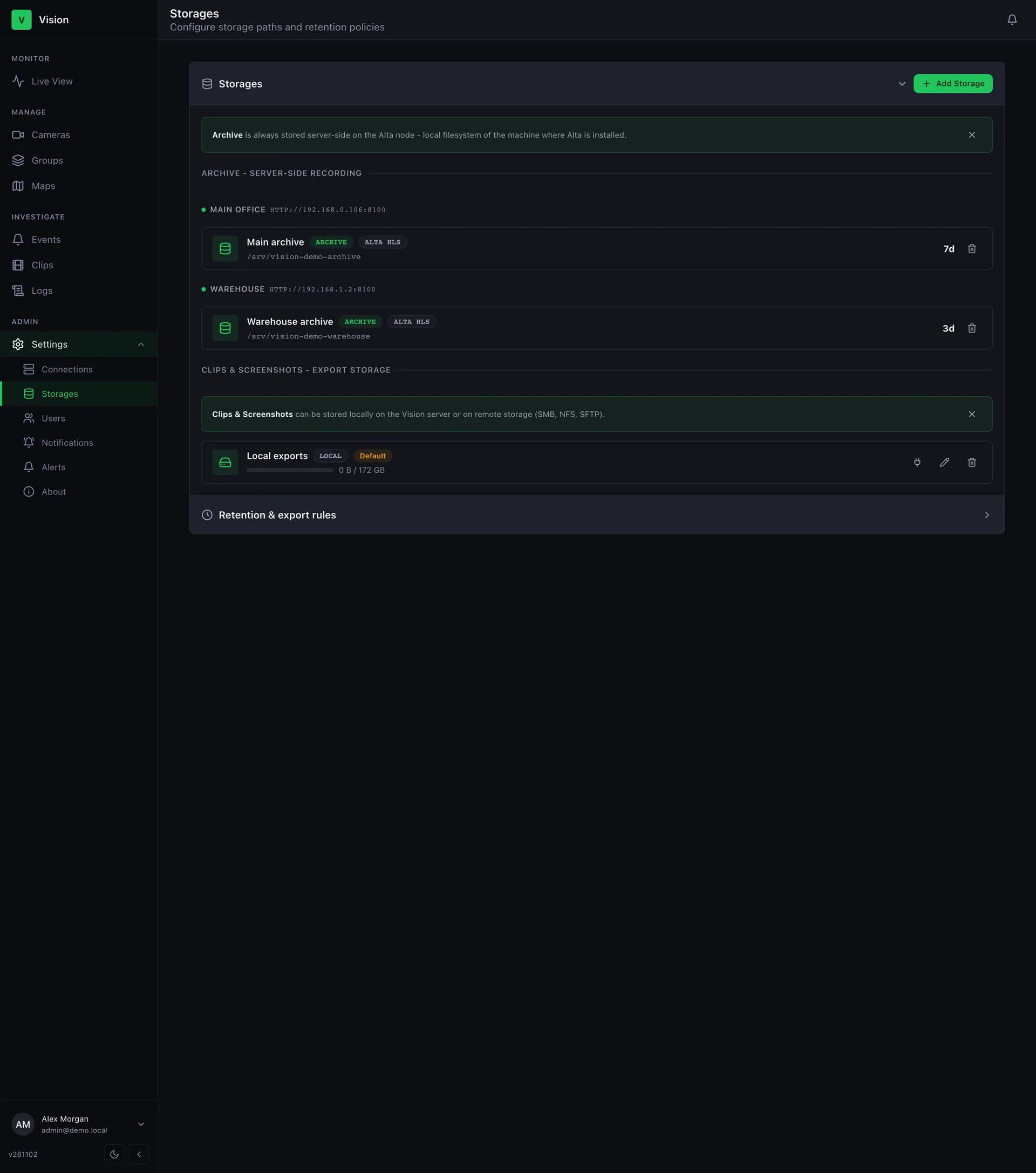
Settings → Storages has two kinds of storage. Click Add Storage and pick the Type.
Alta Archive
Section titled “Alta Archive”Where camera recordings live — a path on the Alta node. Fields: Alta server, Path on Alta node, Retention (hours), and Default for server (used for new cameras on that server).
Clips & Screenshots
Section titled “Clips & Screenshots”Where exported clips and screenshots are written. One must be set as Default storage before anyone can export.
| Location | Fields |
|---|---|
| Local | Path on the Vision host |
| SMB / NFS | Path of a share already mounted on the host |
| SFTP | Host, Port, User, Password, Remote path, Host fingerprint |
Each card shows usage and has Test connection, Edit, and Delete.
Retention & export rules
Section titled “Retention & export rules”| Setting | Controls |
|---|---|
| Clip retention, Screenshot retention, Event retention | How long each is kept |
| Default clip length, Start before the action | Defaults for new clips |
| Audit log retention, System log retention | How long logs are kept (audit default: 1 year) |
A cleanup worker removes data past its retention. Event retention counts from when the event was created.
vision backup saves the database and configuration, not clips, screenshots, or Alta recordings — back those up separately if needed.