See every camera.
Review every moment.
Vision — video management for Alta. A self-hosted VMS with live walls, DVR archive, event alerts and multi-server control in your browser. One binary on your own servers, one license per activated Vision host.
curl -fsSL https://vision.cesbo.com/install.sh | sh 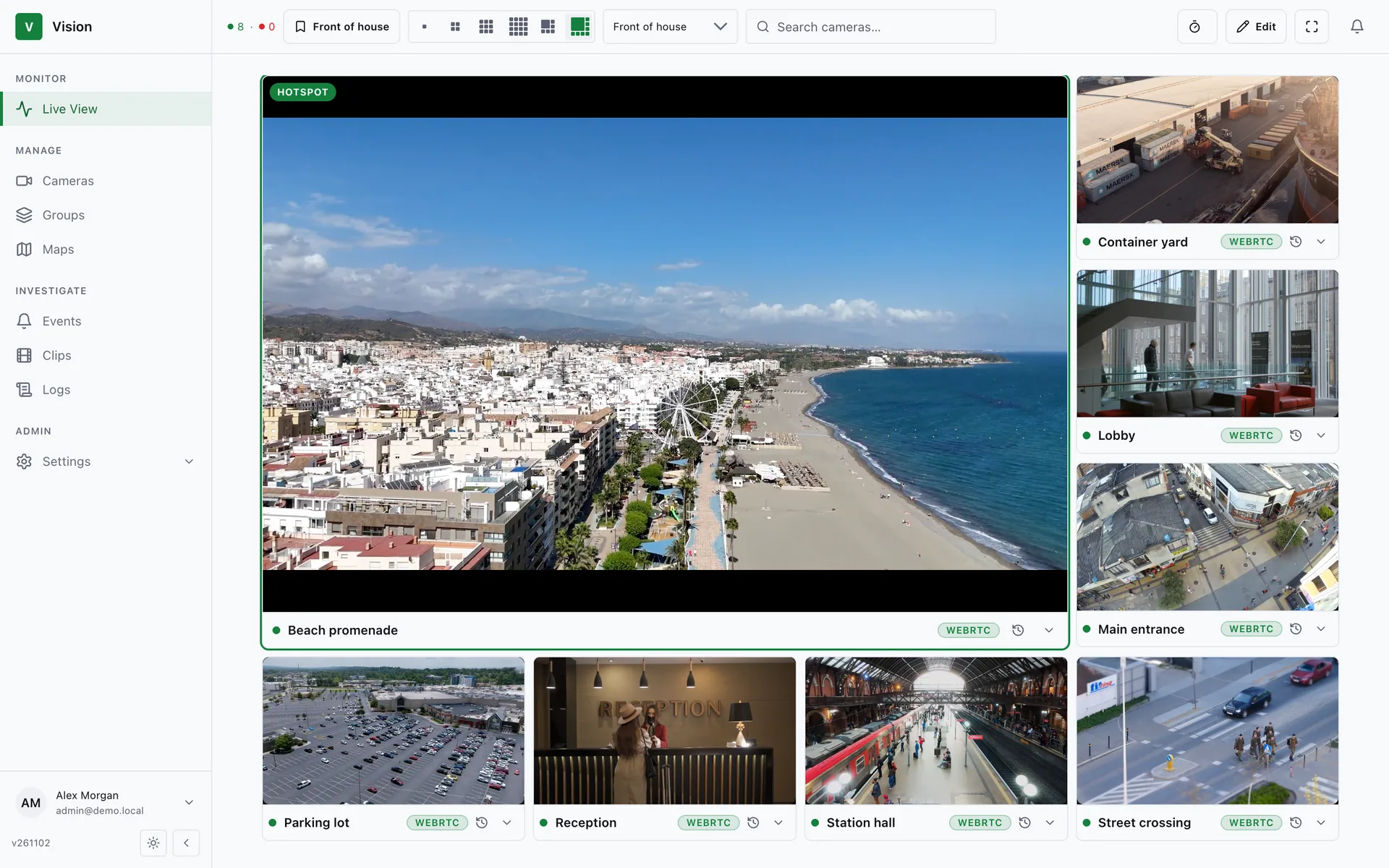
From first glance to final evidence
Watch live, rewind, investigate — in one fast interface that works on any modern browser.
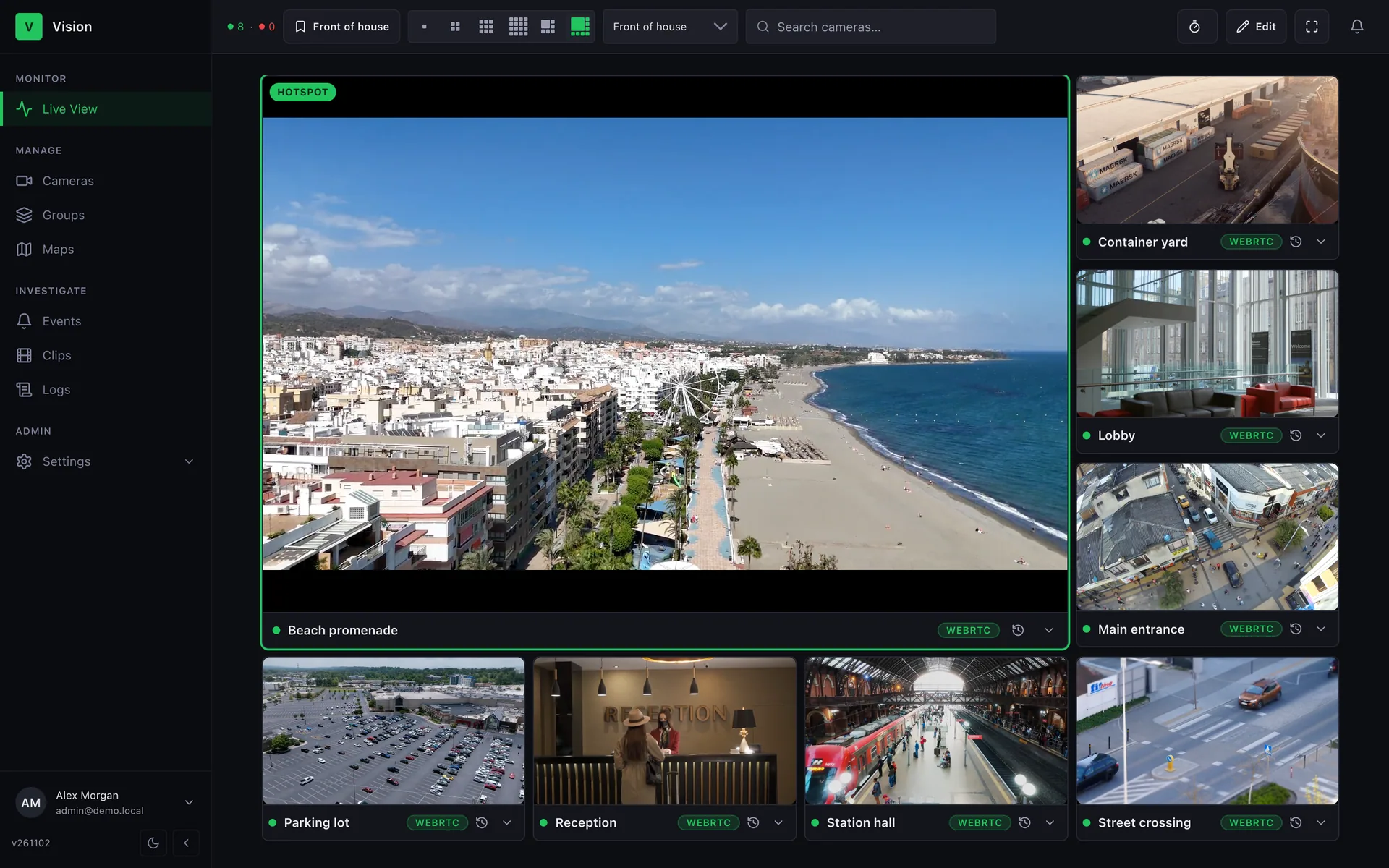
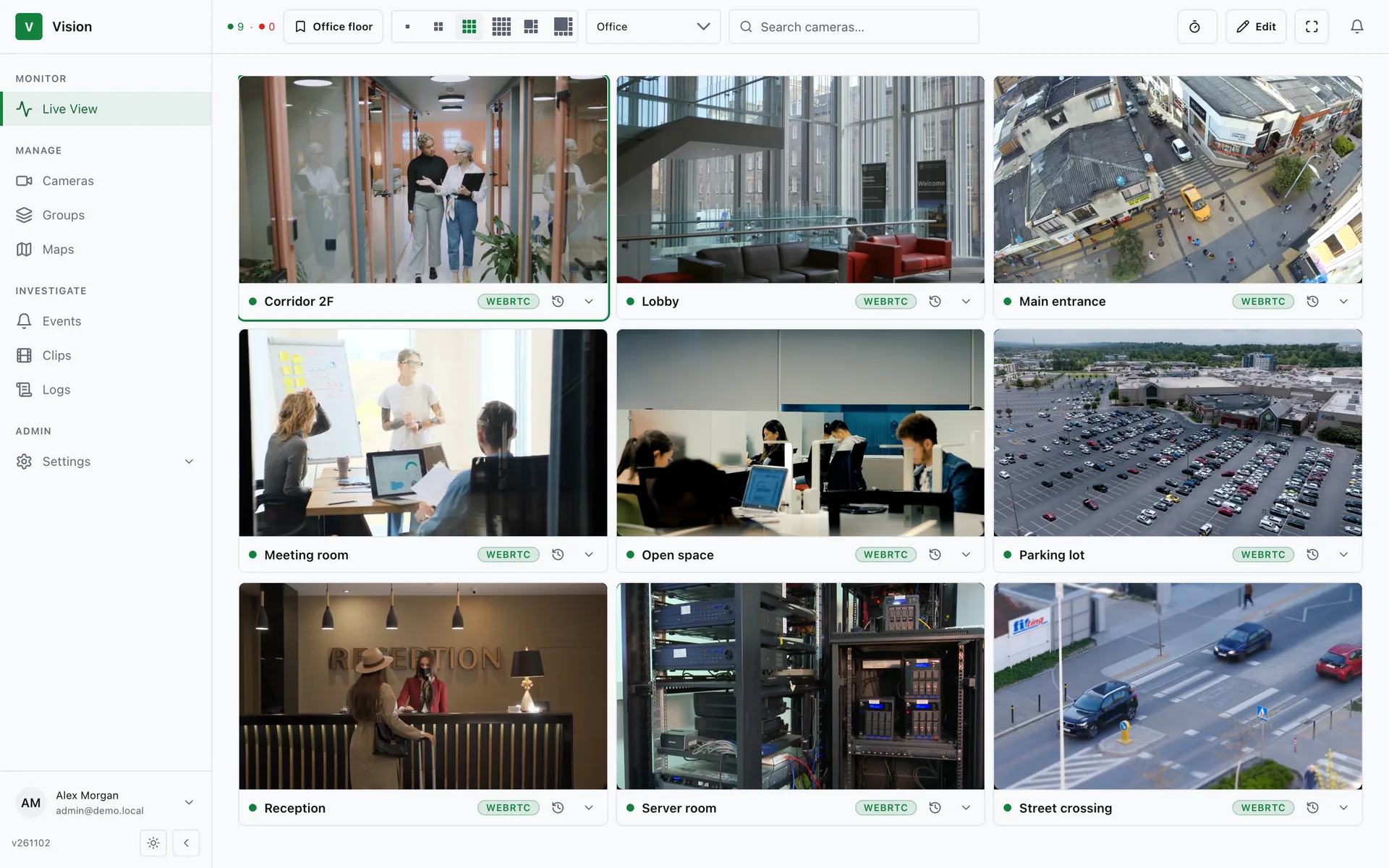
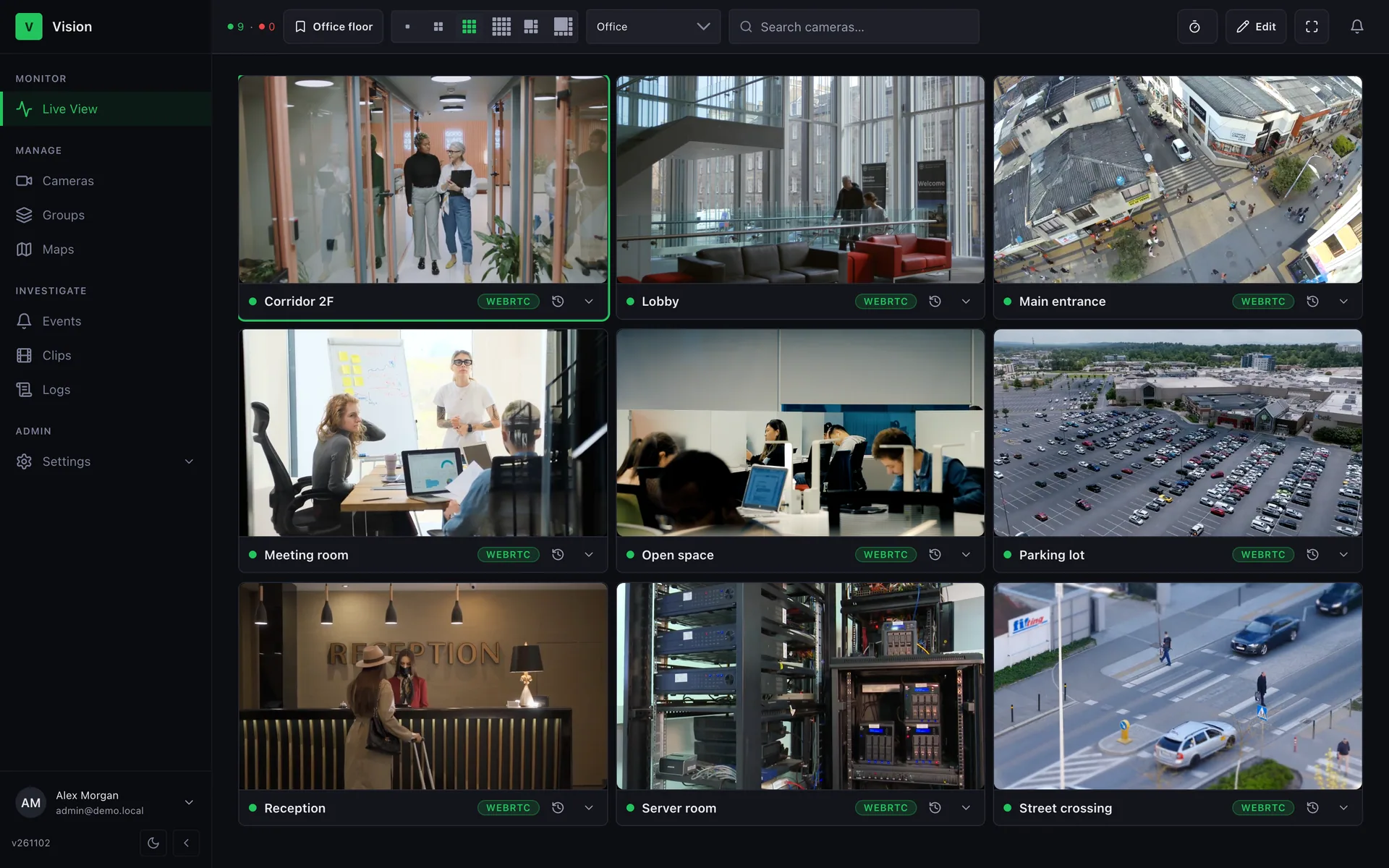
Every camera on one wall
Build walls from 1×1 to 4×4 or pin a hotspot, save views with hotkeys, auto-cycle and go full screen. Dense walls play a light Sub stream; the big tile gets full quality.
- WebRTC first, HLS fallback
- Saved views & hotkeys
- Main / Sub streams
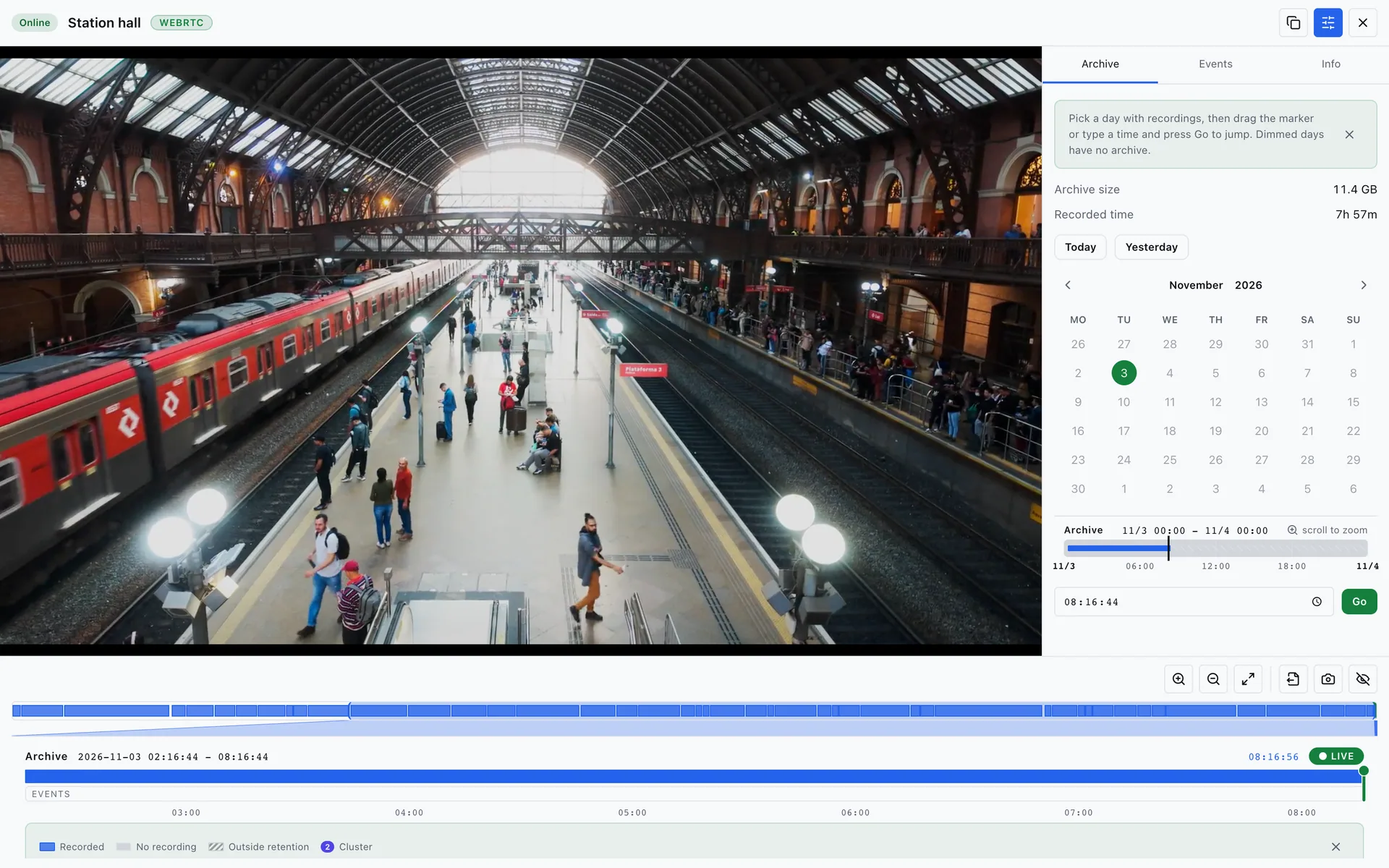
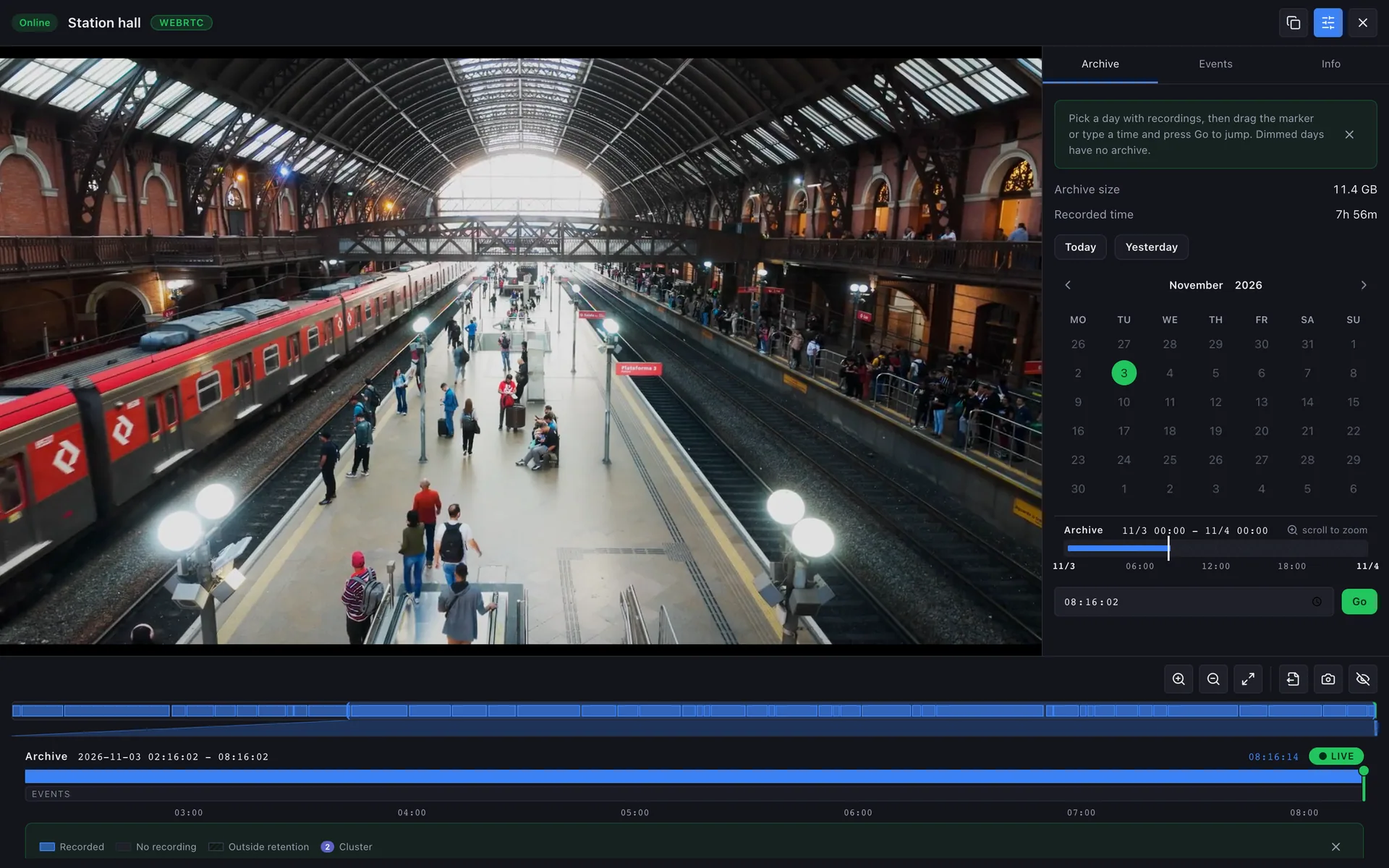
Scrub the past like a DVR
Drag a timeline, hover for thumbnails, jump to events and export a clip. Recordings stay on your Alta servers — Vision just makes them easy to reach.
- Timeline with thumbnails
- One-click clip export
- Jump straight to events
Find what happened in seconds
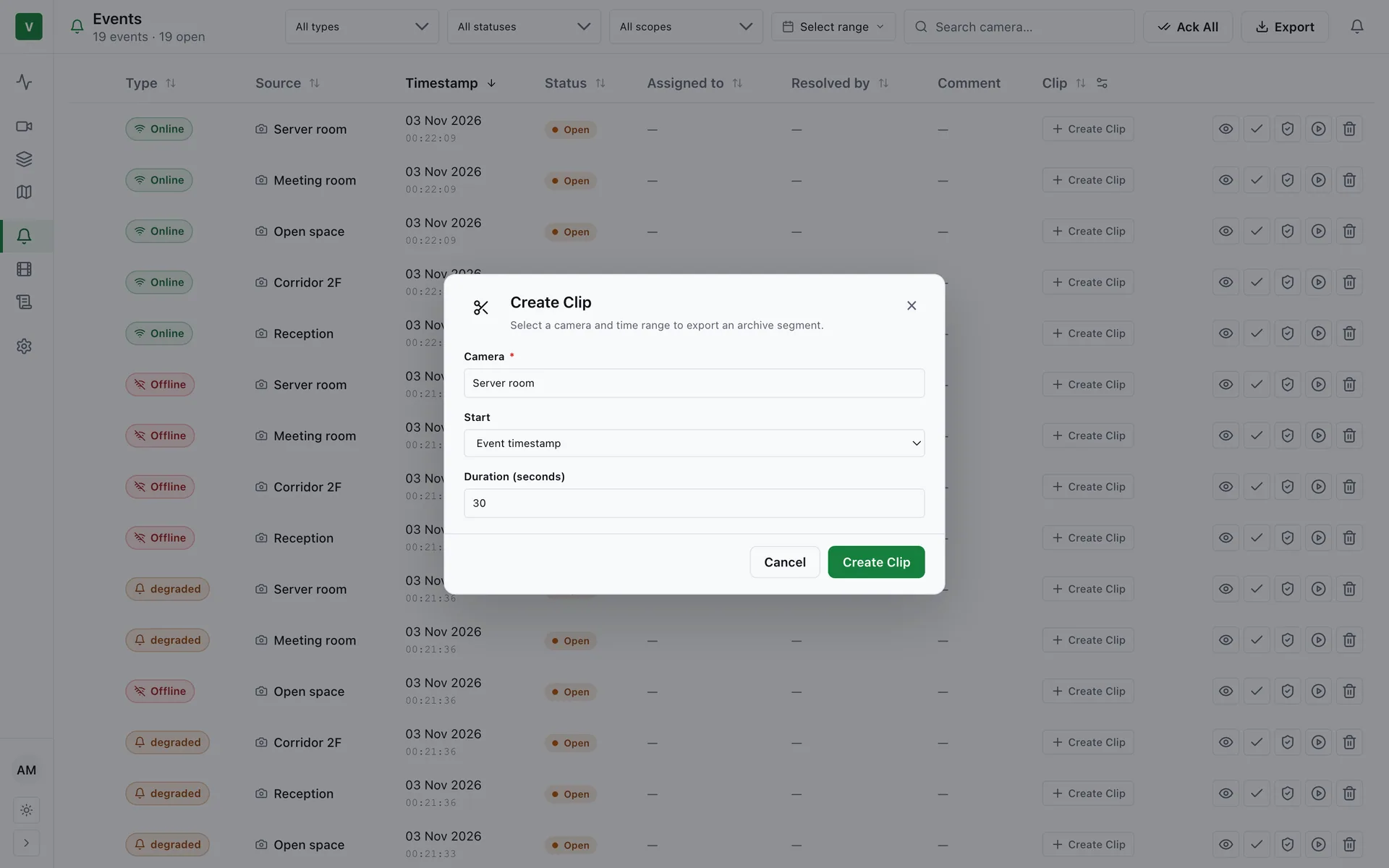
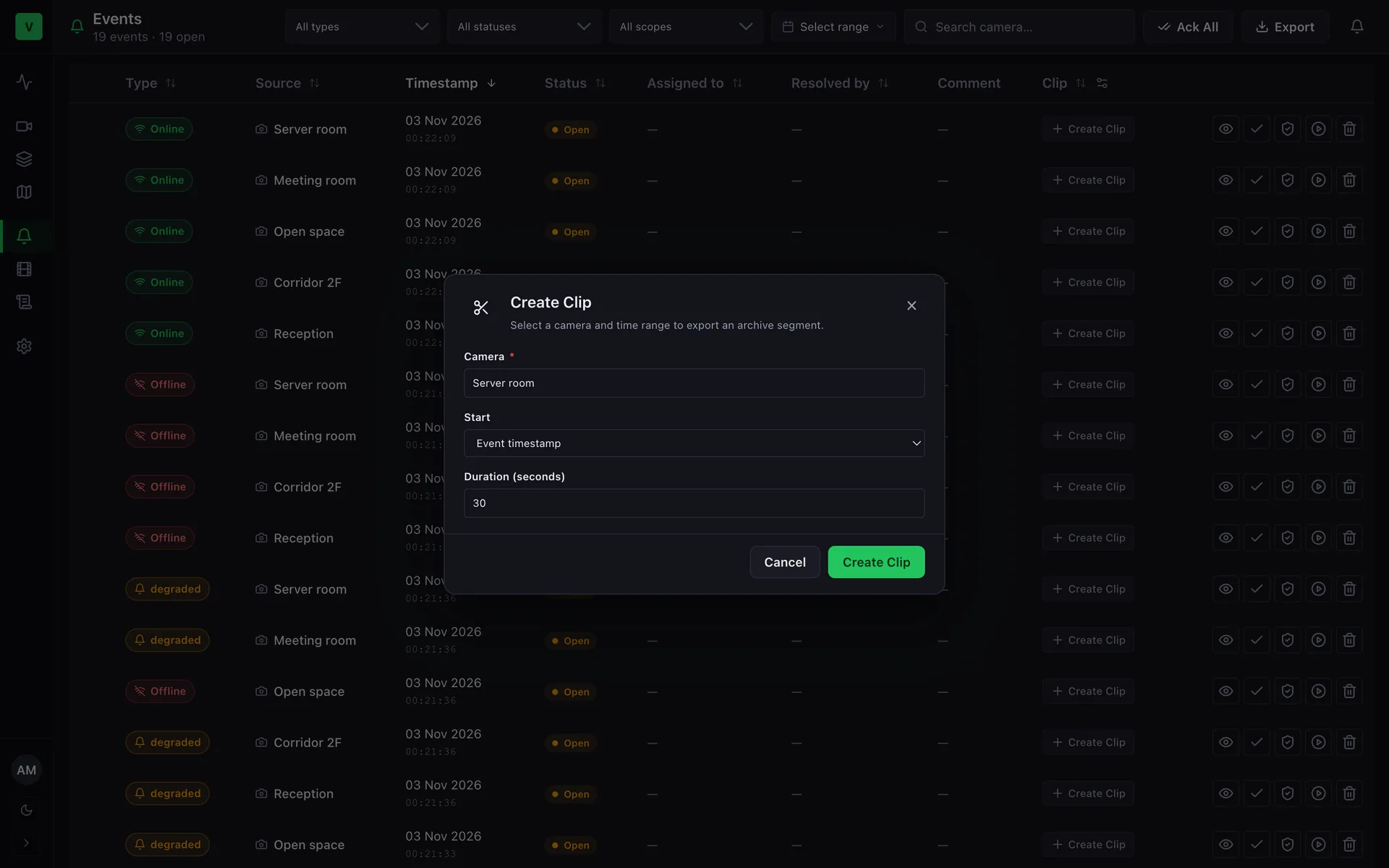
Search camera and server events, exported clips and screenshots. Filter by camera, time range and status instead of digging through logs.
- Events, clips, screenshots
- Filters by camera & time
- Full audit log
Everything a security team needs
A complete VMS in one binary: no database or web server to install.
Cameras & ONVIF
Discover cameras over ONVIF, bulk-add with one scan, set Main and Sub streams and choose recording per camera.
Groups & roles
Organise cameras into groups with operator and viewer roles per group. Give every team exactly the access it needs.
Floor-plan maps
Drop cameras on a floor plan with field-of-view cones and open any camera live straight from the map.
Alerts & notifications
Rules for camera and server health, delivered live in the app and by email, web push, Telegram or webhook.
Multi-server
Connect several Alta servers and manage all their cameras from one place. Config drift is detected for you.
Security & audit
Role-based access, user invitations and an audit log of every login and change. Short-lived signed stream tokens.
Install in a minute
One Go binary with the UI and SQLite embedded. No containers, no runtime — a systemd service in one command.
Production-ready
Health endpoints, Prometheus metrics, backup and restore, and circuit breakers so one bad server never stalls the rest.
Vision manages. Alta streams.
Vision — video management for Alta. Alta ingests and records; Vision gives people a window into it.
Need the streaming server?
Cesbo Alta is the one-binary media server behind Vision: UDP/RTP, RTSP and HLS ingest, DVR archive, HLS and WebRTC delivery, token access control and a full HTTP API. Run it for IPTV and OTT too.
- Any source in, HLS and WebRTC out
- Archive, catch-up and timeshift
- Installs with one command
Questions people ask before trying Vision
Do I need a Cesbo Alta server?
Yes. Vision is the control plane for Cesbo Alta: Alta ingests and records the camera streams, and Vision manages them in the browser. Learn more →
What do I need to install it?
A Linux x86-64 host (Ubuntu 20.04+, Debian 11+, RHEL 8+ or similar) with 512 MB RAM, root access, ffmpeg and ffprobe. One command installs the single binary as a systemd service. Learn more →
Where are the recordings stored?
On your Alta servers. Vision keeps its own database and settings on its host, in /var/lib/vision/. Learn more →
How are cameras added?
By ONVIF discovery or by hand, with Main and Sub streams for each camera. Learn more →
What does one license cover?
One license covers one activated device, which is one Vision host. It is not bound to an IP address, hostname, machine ID or hardware. Learn more →
What happens if the license servers are unreachable?
After a successful check, Vision keeps running for up to 30 days without a new answer. In the first 30 minutes after a restart it runs without any answer. Learn more →
Can I back it up and move it to another host?
Yes. vision backup creates a consistent archive and vision restore brings it back, also on another host. Learn more →
Does it work on a phone?
Yes. Every page works on a phone; Live View opens at 2×2 and the toolbar fits in one row. Learn more →
Ready to see it live?
Install Vision, connect an Alta server and have your first wall running in minutes.